

No More Guesswork: Tools That Make DIY And Renovation Math Easy

We may receive a commission on purchases made from links.
The guy in high school who asked when he'd ever need all this math in real life was in for a shock if he went into the building trades. So. Much. Math. But for DIYers and homeowners just trying to get through a simple repair, upgrade, or renovation, there are lots of tricks and tools for doing as little math as possible, as easily as possible, including construction calculators and smartphone apps, tools with built-in math wizardry like the speed square, and invaluable math hacks and strategies.
I squeaked by math classes on intuition — a good strategy for school and for home renovations that will collapse almost immediately. All the construction math you and I haven't thought of since the ninth grade has a purpose. Precise calculations are required for applications like roofing, water supply and drain flow rates, calculating chimney heights, figuring inside and outside angles, creating and verifying complex geometrical shapes, dealing effectively with slopes of any kind, and countless others. Accurate math means accurate builds, accurate estimates and material orders, controlled costs, stronger work, and increased safety.
It's vexing to deal with the peculiar measurements required in any kind of building ... adding, subtracting, multiplying, and dividing feet, inches, and, worst of all, fractions. You'll convert to and from metric now and then and need to know things like how many boards and pipes you can divide a single board or pipe into ... sometimes taking into account the thickness of your saw blade. You'll regularly have to precisely calculate length, area, and volume and even find precise estimations, as if that makes any sense. It seems like a lot, but the right tools will simplify much of that complicated math, or possibly eliminate it completely.
Let a calculator do the math for you
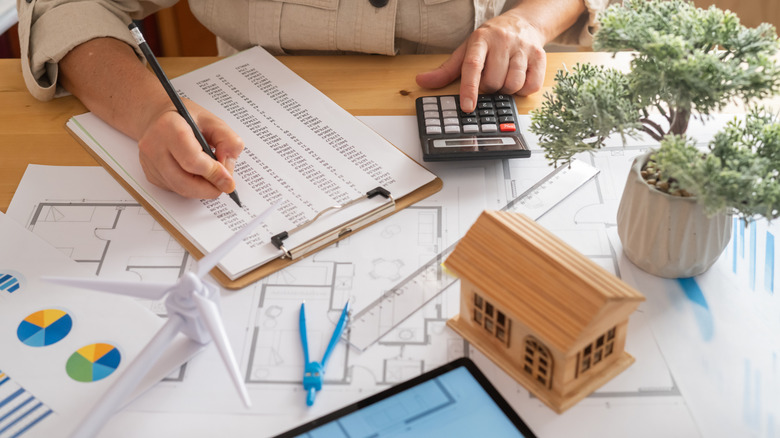
Every adult's preferred solution to math is a calculator. The trouble with construction calculations is that the imperial measurement system's fractions aren't calculator-friendly. A construction calculator should be able to take almost natural-language input, like "7 feet 8 ⅝ inches minus 1 foot 2 ½ inches" ... the length of a wall stud minus an allowance for 12-inch ductwork. Try putting that in your phone's built-in calculator.
A good construction calculator will also be able to handle the rounding parameters you set ("round up to the nearest 16th of an inch," for example), swap fluidly between fractions and decimals, and show you a detailed history of what calculations you've performed. You can get by with a basic fractions calculator; for years, I used the DeWalt Mobile Pro app for this, but it's now defunct, sadly. The industry-standard construction calculator seems to be a fairly ordinary-looking but extremely capable hand-held called Construction Master Pro .
That might seem pricey. In fact, the most I've ever spent for a calculator is nothing. But consider the money (and time) you might waste calculating — or miscalculating — the materials needed to frame out a rake wall, cover oddly shaped bonus room walls, or pour concrete. Reviewers mention using calculators for planning circuit breaker panel loads, calculating complex molding cut angles, un-puzzling rafter angles, and the constant conversions between units of measure that are necessary for any sort of excavation work. Usually, these are math-intensive tasks that you'd otherwise be working out with a carpenter's pencil on the flap of a cardboard box.
Apps and software to smooth out your construction math

Sometimes, a calculator isn't just a calculator but is combined with a suite of complex construction-related tools. The app version of Construction Master Pro will let you categorize your calculations and text or email them to others. But it also includes dozens of tape functions, right-angle-related calculations, area and volume handling, and other bells and whistles. More specialized apps deal with calculating stair angles and stringer cuts. Meanwhile, others can help you with estimating materials, calculating cubic feet for soil or concrete quantities, performing electrical and plumbing calculations, and more.
The Home Improvement Calcs app has more than 250 functions, including "calculators" for everything from electrical voltage to the surface area of a sphere. But its cost estimation and project management functionality push it out of the realm of smartphone calculators and into the role of something more like an integrated construction solution — far more than I need personally, but potentially great for more responsible DIYers. Websites will sometimes aggregate web-based tools, like how myCarpentry.com pulls together tools for managing stair construction, roof pitch, arches, land area, and others. But sometimes it's enough to just look up the information on a table from trade industry vendors and organizations.
Google's Sketchup 3D-modeling software has features that make it suitable for DIYers, like fairly easy 3D modeling and rendering and 400 architecture-specific extensions. I use Autodesk Fusion for 3D modeling, but I'll probably switch to SketchUp for the construction-specific goodies like plugins for calculating surface area and fractional math calculations, as well as tools for tasks like rafter layout math and generating documentation (often needed for permits).
Sometimes, your tools can do the math for you
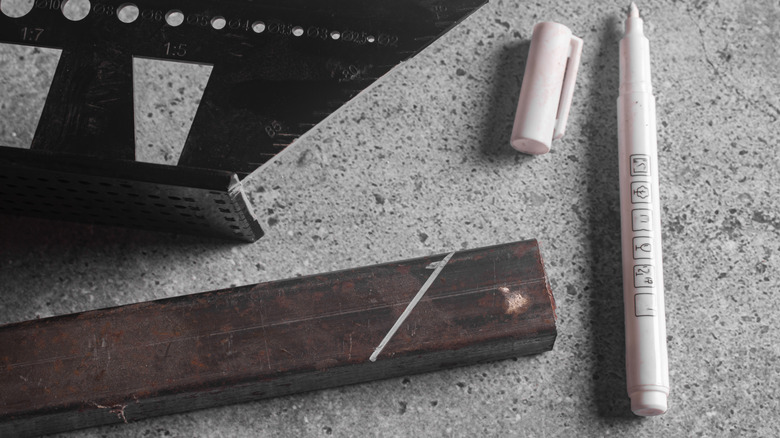
Consider the occasional need to find the center of a board's edge. You could measure the thickness of the board, do the math to halve that, and then use your measuring device to transfer the new number to your board's edge. And it will almost certainly be at least a little off because of the imprecision of marking, if nothing else. Or you can make or buy a center-finding jig, like the Milescraft Center Finder.
For a DIY version, drive nails through a bit of scrap a little further apart than the thickness of your board, and drill a hole dead in the middle between them. When you place the scrap on your board's edge and turn it so that both nails are in contact with the sides of the board, you can stick a pencil through the hole to mark the center point. This is the sort of thing you'd do if you were joining your project's boards with dowels ... no math required. Find other useful jigs like these, and you could simplify tons of DIY projects by taking complex or tedious calculations out of the equation.
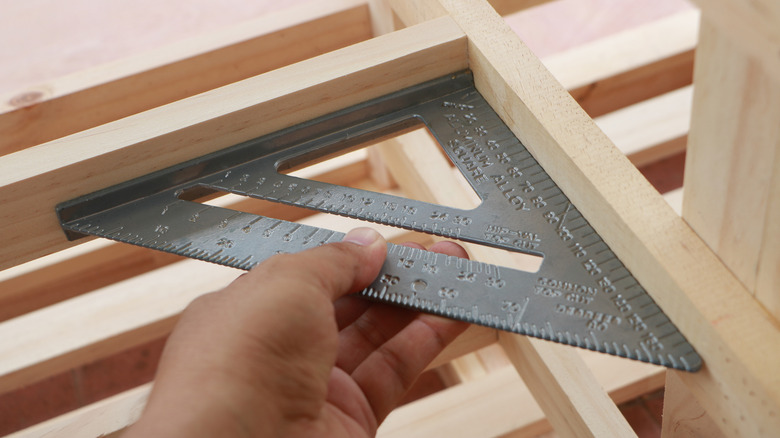
Other tools simplify the calculation and marking of set distances, angles, and the like. When you use a speed square, for example, you have tons of math-saving features at your fingertips. You'll avoid a bunch of math by simply using one to mark lines 90 degrees to a straight board edge, and the protractor makes it easy to draw out any angle. A speed square can also be used to do things like calculating the angles of rafter cuts and scribing a line parallel to a board's edge, perhaps to figure out where to end a dovetail.
Know the math shortcuts
Math is a tool. Your goal isn't to do calculations but rather to cut a stair stringer or lay out rafters or whatever you're up to. Math is a means to an end, so why not employ a more user-friendly tool like math shortcuts? You can, for example, always rely on finding a right angle — indispensable for making any project square — using the Pythagorean Theorem. The sum of the squares of a right triangle's shorter sides equals the square of its hypotenuse. This is no one's idea of doing less or simpler math. But the 3-4-5 triangle trick eliminates all the math using the same theorem, allowing you to lay out a 90-degree angle with just a measuring tape: Measuring 3 feet (or inches, yards, or whatever) along a line and then 4 feet along a line you want to be perpendicular will do the trick. You'll know you have a right angle when the ends of those lines are 5 feet apart. And a right angle is, in the parlance of construction, "square."
Knowing math basics helps too, of course, and there are online resources specifically designed for learning construction math — general ones, like @ColfaxMath's construction math course, and more specific ones like Math for Welders, which include quality general-purpose information. Plus, online forums and YouTube are full of quick and easy tricks for everyday construction math functions like adding and subtracting fractions to speed up your household projects.
Don't do math at all, if you can avoid it
The old adage "measure twice, cut once" needs to be "cut once." You shouldn't measure at all unless you have to. Measuring a space and then measuring the material to fill it creates at least two opportunities for error, but marking a piece to fit while it's in place and then cutting it is much less error prone. Measurement often involves adding and subtracting various offsets, and besides, we can't always measure, mark, or cut very precisely because of the imprecision of our implements — worn tape measures, dull pencils, unaccounted-for saw blade widths, and the like. Try this center-finding exercise: Measure the thickness of a board, divide it by half, and mark it. Then repeat this, marking from the other side. Both marks should fall in the edge's center. But for me, more often than not, they don't ... and that's if I get the math right.
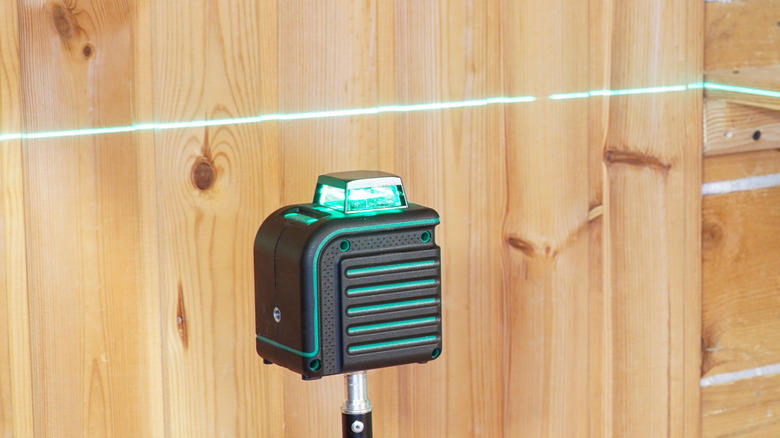
Several tools help you eliminate the measuring and math entirely. The T-bevel allows you to transfer and repeatedly mark the same angle without re-calculating and marking. Angle-finding protractors let you measure an angle and then tell you the complementary and supplementary angles (those that total 90 and 180 degrees when combined), no math required. One super-useful math reducer is the rotary laser level, like the Motovera Laser Level, which is capable of (among other things) projecting a level horizontal line. Without it, figuring the distance from a floor when there are obstacles (lower cabinets, perhaps) preventing you from running a tape measure all the way down involves a lot of adding and subtracting. Why do that math if you don't have to?