

Don't Toss Your Old Smartphone — Turn It Into A Home Security Camera
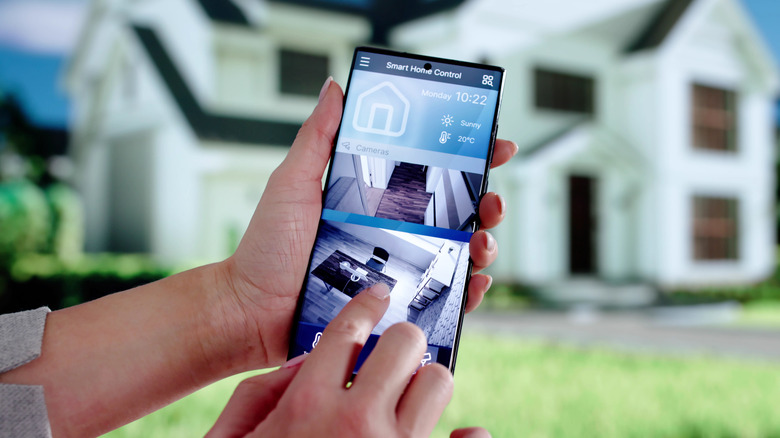
In a few moments, you can set up a security camera for a hotel room or a pet cam so you can sing to your Sheltie from the office, both running on old smartphones you found in a drawer. It's surprisingly easy to set up impromptu security cameras that might not be as good as the best cheap security cameras but are perfectly serviceable. And there are plenty of other reasons to turn an old phone into a security camera: keeping an eye on your belongings at a conference, supplementing your real home security system in a basement or shed, or catching a roommate eating your Dubai chocolates.
One of the more common ways of turning an old phone into a security camera is using Alfred, a full-featured app with a robust free version. But the many alternatives have their own charms: AtHome Camera uses AI deep learning to help eliminate false alarms and also features space-saving time-lapse recording. BabyCam is specifically designed for baby monitoring and includes features like the ability to play music over the connection. SeeCiTV allows you to record using both the front and back cameras on your old phone, and WardenCam can store your recordings in Google Drive or Dropbox. There's also an open-source alternative called CameraLink.
Generic, standards-compliant webcams and IP cameras like IP Webcam for Android and DroidCam are a good approach if you're managing many cameras or mixing your cameraphone with other types of security cameras. Some IP camera applications include features like monitoring multiple cameras, monitoring cameras via television, casting to Google Cast-enabled devices, pan/tilt/zoom controls, and interoperability with other devices using open protocols.
Installing a smartphone security camera
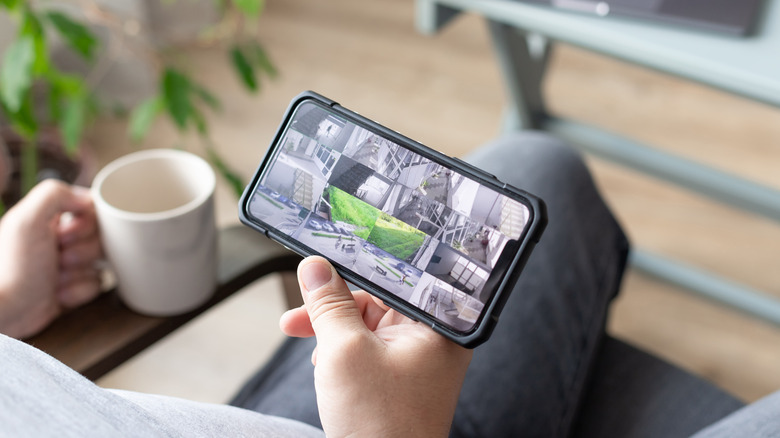
Since every app is a little different, we'll focus on the most popular, Alfred. To use the free version, you only need an old phone, a power supply, and your current phone to monitor your old one. Install Alfred on both phones, log in and tell the app which is the security camera, then find a spot with a good view of whatever you're trying to keep an eye on. The ideal spot is high up in a dark corner, close to your Wi-Fi router and an outlet to power the old phone, and tilted down to view a fairly well-lit area.
If you're using Alfred, you'll want to activate the app's motion detection and configure its sensitivity. Give the app access to your old phone's microphone, then enable its tap-to-talk and siren features (once you've considered the advantages and disadvantages of using a home alarm system). The app also features streaming, remote recording, two-way audio (so your Sheltie can talk back to you), and local storage of your recorded files.
Be mindful of the downsides of using an old phone as a security camera. Video quality can be poor, there's no night vision, and features are relatively limited. You can only use them indoors for the most part, and they'll have to be tethered to a power supply, or at least a battery bank. Perhaps the biggest problems are security and privacy concerns created by using a device that's no longer receiving security updates. But if you're comfortable with all of that, this is a fun project with a useful outcome.