

Easy Tips That Will Boost Your Dyson's Lifespan
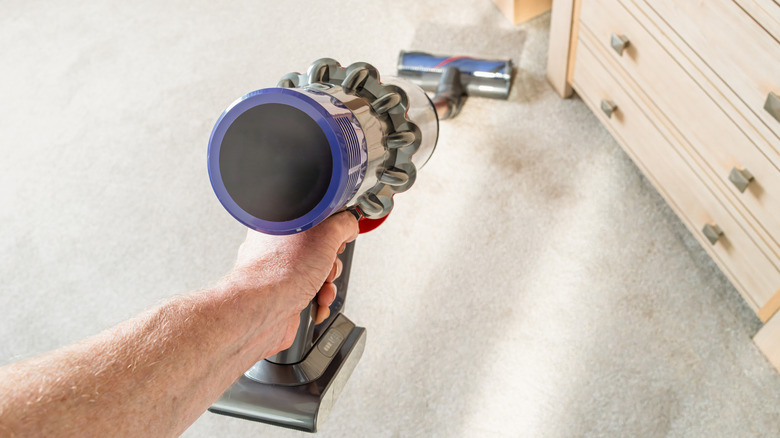
Dyson vacuums have been in production since 1993. Since then, they have been well-regarded by critics and consumers alike for their variety of features, easy-to-use models, and thoughtful designs. However, the life expectancy of household items, such as vacuums, depends largely on how you care for them, including steps you should take before using them. So, how can you maintain your Dyson to extend its years of productivity?
One of the most crucial aspects of caring for your vacuum is making sure to treat its battery properly. It is important not to leave your Dyson plugged in for too long after it has been fully charged. This is because keeping electronics plugged in can actually shorten their lifespan and leave them vulnerable to power surges. You should avoid using a non-Dyson-branded battery to charge your vacuum because they generally do not have all of the safety features that the official batteries do. In addition, third-party units can actually drain your vacuum prematurely due to their incompatibility with the brand. Finally, the official Dyson website recommends allowing your battery to run fully out of charge at least once a month in order to extend its lifespan. If needed, you can have a second battery on hand so that one can be allowed to run down while the other is in use. However, these machines have more parts than just the battery, so learning the best way to clean a Dyson vacuum is crucial in helping it run for as long as possible.
How to clean your Dyson to help it last longer
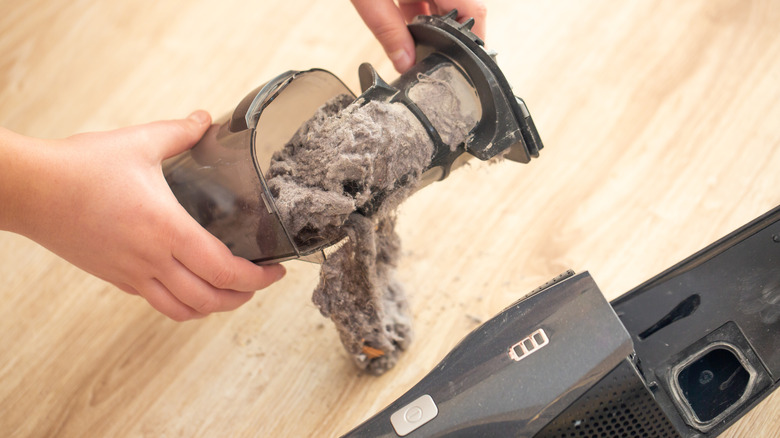
Many people know how to use a vacuum cleaner, but they don't always realize how many elements of their vacuum should be cleaned on a regular basis in order to keep it running smoothly and extend its life. Dyson recommends cleaning out the dust bin as soon as the waste inside reaches the maximum line. This is because, when the bin is overfilled, it can actually cause the vacuum to lose suction power. The next thing you should clean regularly is the filter, which manufacturers advise doing around once a month. Start by removing it and tapping it over a trash can to remove larger dust particles. Then, rinse it under warm water and gently squeeze the filter until the water runs clear. Finally, leave it to dry for a minimum of 24 hours before placing back into the vacuum.
Did you know that you can actually clean the brush on most Dysons? Simply remove the brush and use your fingers or a pair of scissors to remove any hair or threads that have become wrapped around it. Some models can even be rinsed gently to remove any excess debris, but not all brush bars can get wet, so it is worth checking the care instructions for your model before doing this step. By maintaining the battery and cleanliness of your Dyson vacuum, you will be able to extend its life and even boost its effectiveness in the meantime.