

Why Do Some Houses Get Blurred Out On Google Maps?
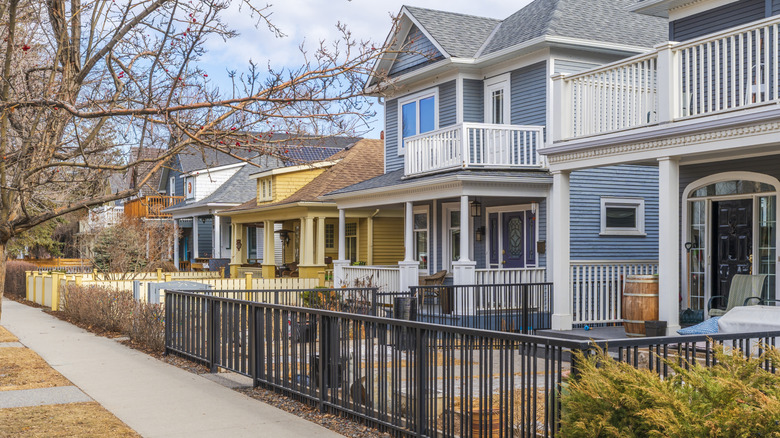
If you're shopping for a new home remotely, or if you've ever spied an interesting house or neighborhood that you just had to learn more about, Google Maps is a go-to for investigative work. This app will show you not only rooftops but also street-level views of houses so you can see what a place looks like from the curb. But sometimes you might zoom in to a place you're curious about only to find that the photo is blurred. What gives?
People can ask Google to mask all or part of their home's images that are viewable on Google Street View, usually to protect their privacy. Google Maps includes a ton of features beyond just a bird's-eye view of a house. You can find out what the surrounding neighborhood looks like, how big that backyard is (there is a handy distance-measuring tool in the app), and even how well the house and yard have been kept up over time.
All of this info is great if you're researching a place out of curiosity, or for potential renting or buying, but if that place happens to be your own house, having this level of detail on the internet may feel invasive. Some people don't want their windows, cars, or garden online for all to see. They may have security concerns about people casing their home for ways to break in, or seeing items in their yard or on their porch that they might want to steal. Whatever the reason, asking Google keep a house a mystery is an option.
How to blur your house on Google Maps
Only a homeowner or tenant can request that all or part of the Street View of their house be blurred on Google Maps. The process is described step by step in Google's online help center. It involves zooming into your house, clicking on the "Report a Problem" button at the top-right corner of the page, and submitting a request. In this process, you select the exact area of the street-level view you want blurred using a selection tool. You can choose to blur out just a specific object, like a vehicle or a face (people are sometimes captured in Street View images), or select your whole house.
It's easier to do this on a computer rather than a mobile device. Include your email with the submitted request, and Google will get back to you within a few days. It might ask for additional information before making the change.
You can ask only to blur your house at the street-level view, which won't keep people from seeing your roof or trying to figure out your property lines from above. Google won't blur the satellite-level view of homes (although some U.S. military sites around the world have been blurred out from above for security reasons). Remember that if you have all or part of your Street View blurred, this is permanent. Future homeowners or tenants are stuck with this blurring even if they didn't request it. And humans are curious creatures, so if you blur something out, this might only increase interest in your property.