

How To Reset An Asko Dishwasher
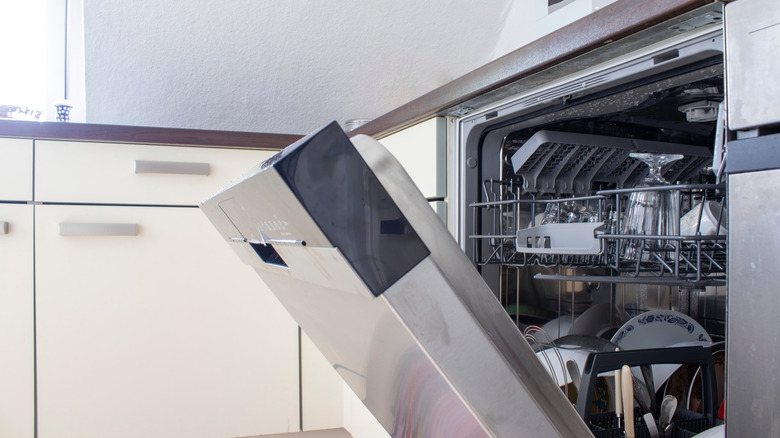
Asko dishwashers come in a variety of sizes and styles, including extra-large dishwashers and dishwashers that are accessible for the disabled. An Asko dishwasher automatically resets itself every time a washing cycle completes. If you want to reset an Asko dishwasher in the middle of a cycle, you can easily do so. Resetting an Asko dishwasher takes only a few seconds to complete.
The easy way to reset your Asko dishwasher
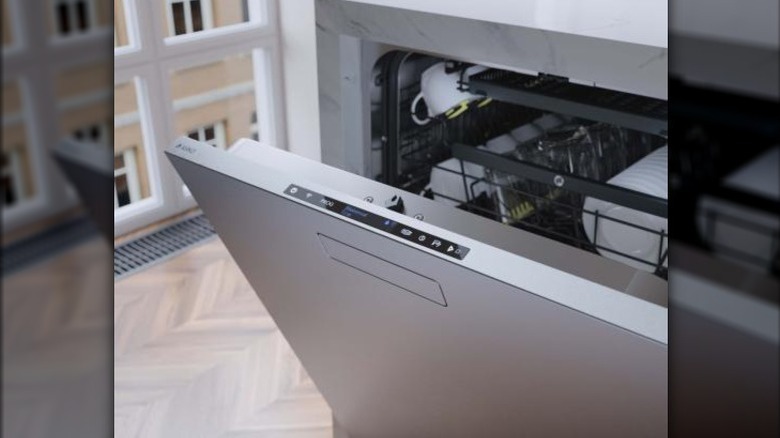
The steps to resetting your Asko dishwasher are very simple and straightforward. First, press the "Start/Stop" button. Hold the button for three seconds and release. From there, select the program and options on the front panel you want the dishwasher to use. Press "Start/Stop" to restart the dishwasher. You have now reset an Asko dishwasher.
If you have any other curiosities about your appliance, consult the user manual.